


Most people think about networking only when something stops working.
The Wi-Fi disconnects. A printer refuses to respond. A video call freezes. A website won't load. Suddenly, words like router, IP address, or DNS begin appearing in troubleshooting guides, and networking starts to feel like a mysterious world understood only by IT professionals.
In reality, networking is much simpler than many people imagine.
Every time you open your laptop, connect to your home Wi-Fi, stream a movie, send an email, or print a document, your computer is quietly communicating with other devices. Those conversations happen thousands of times each day, usually without you ever noticing. Networking is simply the process that allows computers and other devices to exchange information.
For Linux users, networking is one of the operating system's greatest strengths. In fact, Linux powers much of the Internet itself. Many of the websites you visit, the cloud services you use, and even many of the world's largest research networks run on Linux. The same networking technologies trusted by governments, universities, businesses, and scientific organizations are available on your own desktop computer, yet modern Linux distributions make them remarkably easy to use.
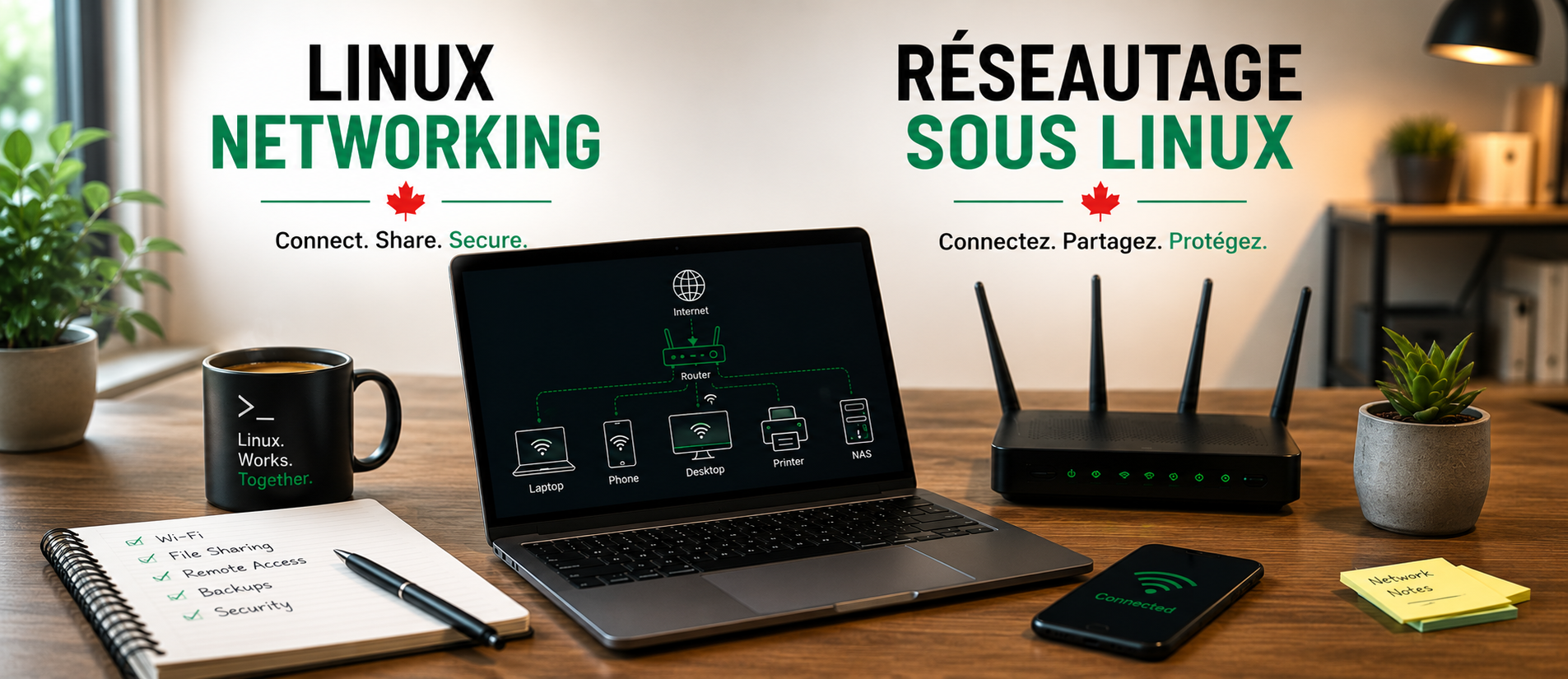
Think about your home for a moment. You probably have more connected devices than you realize. Your laptop, smartphone, tablet, smart television, streaming box, printer, game console, and perhaps even your thermostat or doorbell all communicate across the same network. At the centre of this digital neighbourhood sits your router. It acts much like a traffic controller, directing information between your devices while also connecting your home to the Internet.
One of the reasons this works so effortlessly is because every device has its own unique address. Just as your home has a street address that allows mail to reach the correct destination, every computer connected to a network receives an Internet Protocol, or IP, address. Fortunately, you rarely have to think about these addresses because your router automatically assigns them whenever a new device joins the network. Linux simply accepts its address, establishes a connection, and gets to work.
The same idea applies when you visit a website. You type a name such as linuxassociation.ca into your web browser, not a long string of numbers. Behind the scenes, another service quietly translates that easy-to-remember name into the numerical address that computers actually use. This entire process usually takes only a fraction of a second, yet it is happening every time you browse the Internet.
One of the biggest surprises for new Linux users is how little networking knowledge they actually need to get started. Years ago, connecting to a network often required editing configuration files or typing commands into a terminal. While Linux still offers those powerful tools for advanced users, today's desktop environments provide simple graphical settings that make connecting to a wired or wireless network no more difficult than on any other operating system. In most cases, joining a Wi-Fi network is as easy as selecting its name, entering the password, and clicking Connect.
As your confidence grows, you'll begin to discover that networking is about far more than accessing websites. It allows you to share files between computers, use network printers, synchronize documents across multiple devices, connect securely to another computer, stream music and videos throughout your home, or create automatic backups to another system. What initially seems like a simple Internet connection gradually becomes a powerful tool that links all of your digital devices together.
Understanding a few basic networking concepts can also make troubleshooting much less frustrating. When something goes wrong, you'll know that the problem is usually located in one of only a few places. Perhaps your computer has lost its Wi-Fi connection. Perhaps the router has temporarily stopped responding. Perhaps your Internet provider is experiencing an outage. Rather than guessing, you'll begin thinking logically about how information travels from your computer to its destination, making it much easier to identify where the interruption has occurred.
Networking is also closely connected to security. Every device connected to the Internet becomes part of a much larger digital world. Linux has earned a strong reputation for secure networking, but good habits remain just as important as good software. Keeping your system updated, using strong Wi-Fi passwords, avoiding untrusted public networks when handling sensitive information, and understanding how your devices communicate all contribute to a safer computing experience.
For many people, networking seems intimidating because so much of it happens invisibly. Yet once you understand the basic ideas, it becomes much easier to appreciate how elegantly everything works together. Every web page you open, every photograph you upload, every video call you join, and every document you print depends on countless small conversations taking place between computers all over the world.
Linux was built to participate in those conversations. Whether you're connecting a single laptop at home or managing thousands of computers across an organization, the same fundamental principles apply. Learning those principles won't simply make you a better Linux user—it will help you better understand the technology that connects our modern world.