Learning Centre

Switching from Windows

Plan a comfortable move from Windows while protecting files and maintaining access to essential tools.

Back to the Learning Centre

Move at your own pace

You do not need to replace Windows immediately. You can test Linux from a live USB, use a virtual machine, install it beside Windows, or begin on a secondary computer.

Before switching

  • Back up important files
  • List the applications and devices you depend on
  • Identify Linux alternatives or browser-based tools
  • Test printers, scanners, graphics hardware, and specialized software
Articles and Guides

1 published articles

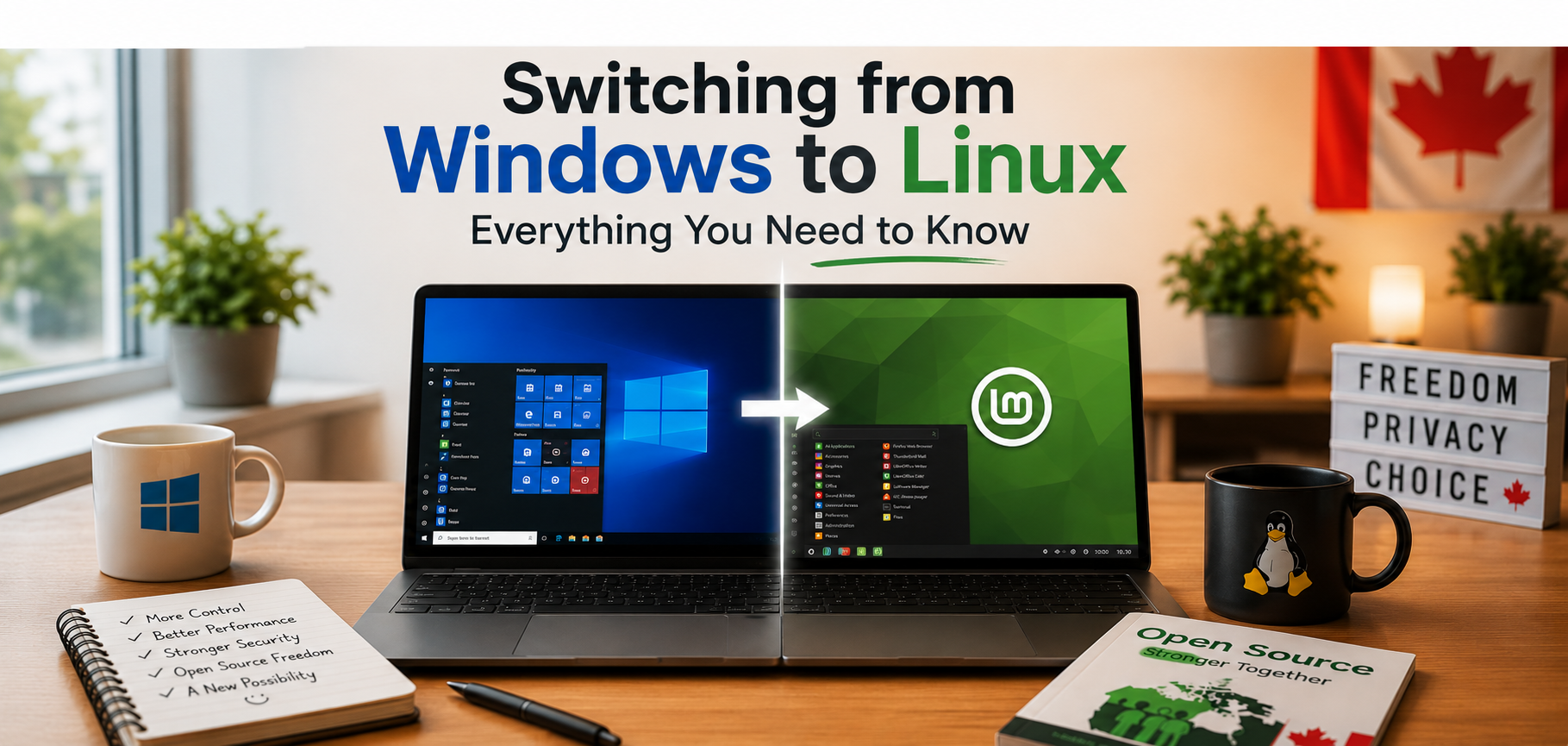
Thinking About Switching from Windows to Linux? Here's What You Should Know

Thinking about switching from Windows to Linux? It's easier than you might think. Modern Linux distributions are user-friendly, secure, and capable of handling everyday tasks like web browsing, email, office work, streaming, and video calls. Whether you're looking for better performance, greater privacy, or a way to breathe new life into an older computer, Linux offers a practical and reliable alternative. In this article, we'll explore what to expect when making the switch and why millions of people have already made Linux their operating system of choice.

Read article