


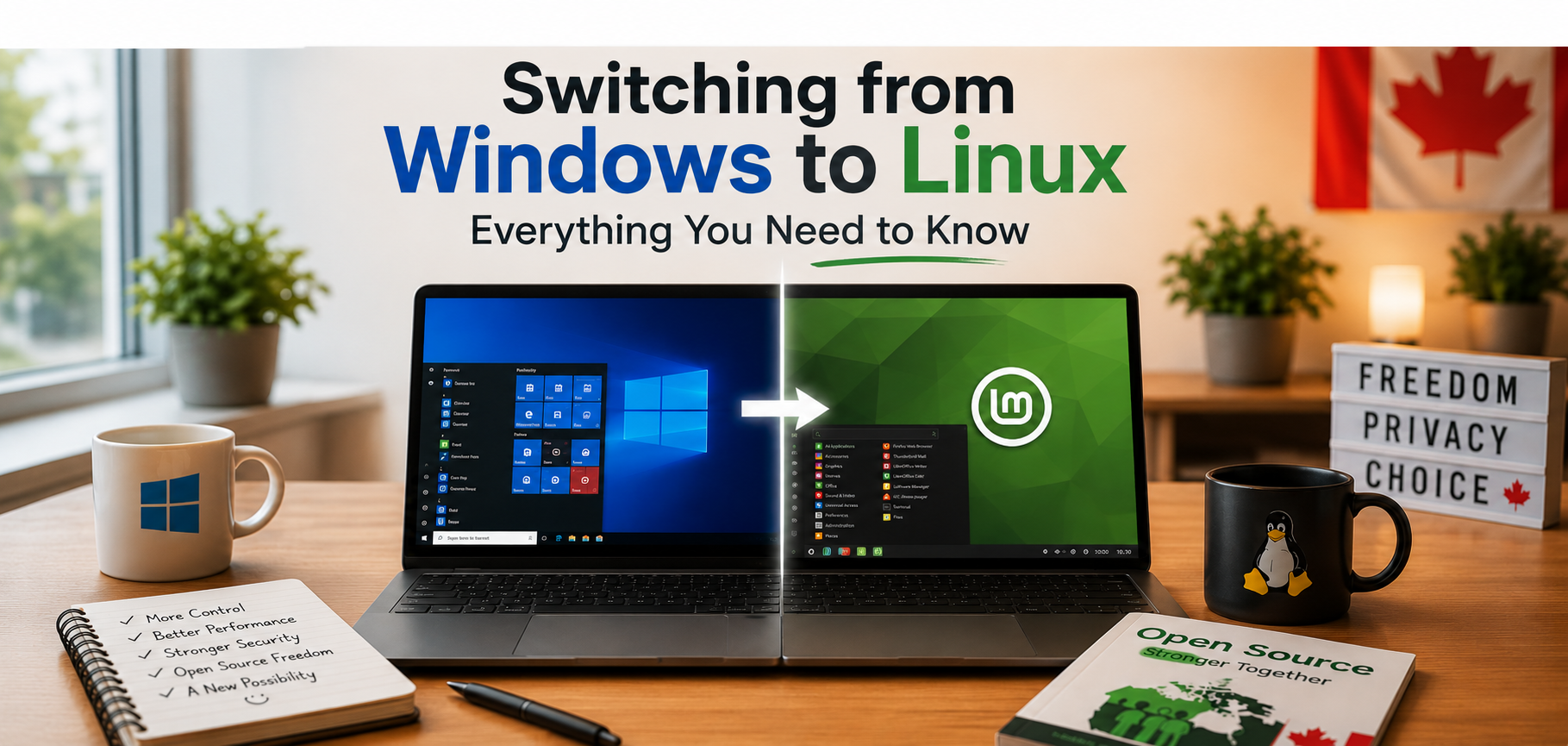
Making a change is never easy—especially when it's something you've used for years.
For many people, Windows is simply what they've always known. They know where the Start menu is, how to install programs, and where their documents are stored. So when someone suggests trying Linux, the first reaction is often, "That sounds complicated."
The truth is, it isn't.
Linux has changed dramatically over the past twenty years. What was once considered an operating system for programmers and computer enthusiasts has become a modern, polished platform that millions of people use every day. Whether you're browsing the web, sending email, editing documents, watching movies, or managing family photos, Linux can handle the same everyday tasks that most people use Windows for.
One of the biggest surprises for new users is just how familiar Linux feels. Most Linux desktops have an application menu, a taskbar, a file manager, and desktop shortcuts. If you know how to use a computer, you'll quickly find your way around. The names might be different, but the ideas are the same.
Many people worry that they'll lose access to their files or have to start from scratch. Fortunately, that's rarely the case. Your documents, photos, music, and videos can all be copied to your new Linux system. In fact, creating a backup before switching is always a good idea, regardless of which operating system you use.
Another common concern is software. While a few Windows-only programs may not have a Linux version, you'll find excellent alternatives for almost everything. LibreOffice can create and edit Microsoft Office documents. Firefox and Chrome are both available. VLC plays nearly every type of video, and popular communication tools like Zoom, Discord, and Microsoft Teams all work on Linux.
Many new users are also surprised by how software is installed. Instead of searching the Internet, downloading installers, and hoping they're safe, most Linux distributions include a Software Centre. Think of it as an app store for your computer. You simply search for the program you want, click Install, and Linux takes care of the rest.
If your computer has started feeling slow over the years, Linux may also give it a new lease on life. One of Linux's greatest strengths is that it runs efficiently on older hardware. A computer that struggles with the latest version of Windows can often become fast and responsive again after installing Linux. Instead of replacing your computer, you may discover that it still has many years of useful life left.
The good news is that switching doesn't have to be an all-or-nothing decision. Most Linux distributions allow you to try the operating system directly from a USB drive without making any changes to your computer. You can explore the desktop, test your hardware, and see whether you like it before installing anything. If you decide to move forward, you can even install Linux alongside Windows and choose which operating system to use each time you start your computer.
If you're wondering which version of Linux to begin with, don't spend weeks comparing hundreds of distributions. For most people, Linux Mint, Ubuntu, Fedora Workstation, or Zorin OS are excellent choices. They are well-supported, easy to install, and have large communities ready to help if you have questions.
Perhaps the most important thing to remember is that you don't have to learn everything in a single day. Use Linux the same way you use your current computer. Browse the Internet. Write a letter. Check your email. Watch a video. The more you use it, the more comfortable it becomes. Before long, many people wonder why they waited so long to make the switch.
Canadian Perspective
Across Canada, Linux is used in schools, universities, research institutions, businesses, government departments, and community organizations. Its stability, security, and low cost make it an attractive choice for organizations of every size. Many Canadians also appreciate that Linux supports open standards, extends the life of older computers, and gives users greater control over their own technology.
Changing operating systems can seem like a big step, but it doesn't have to be a difficult one. Linux isn't about giving up what you know—it's about discovering another way to use your computer. If you've ever been curious, there's never been a better time to give it a try.