


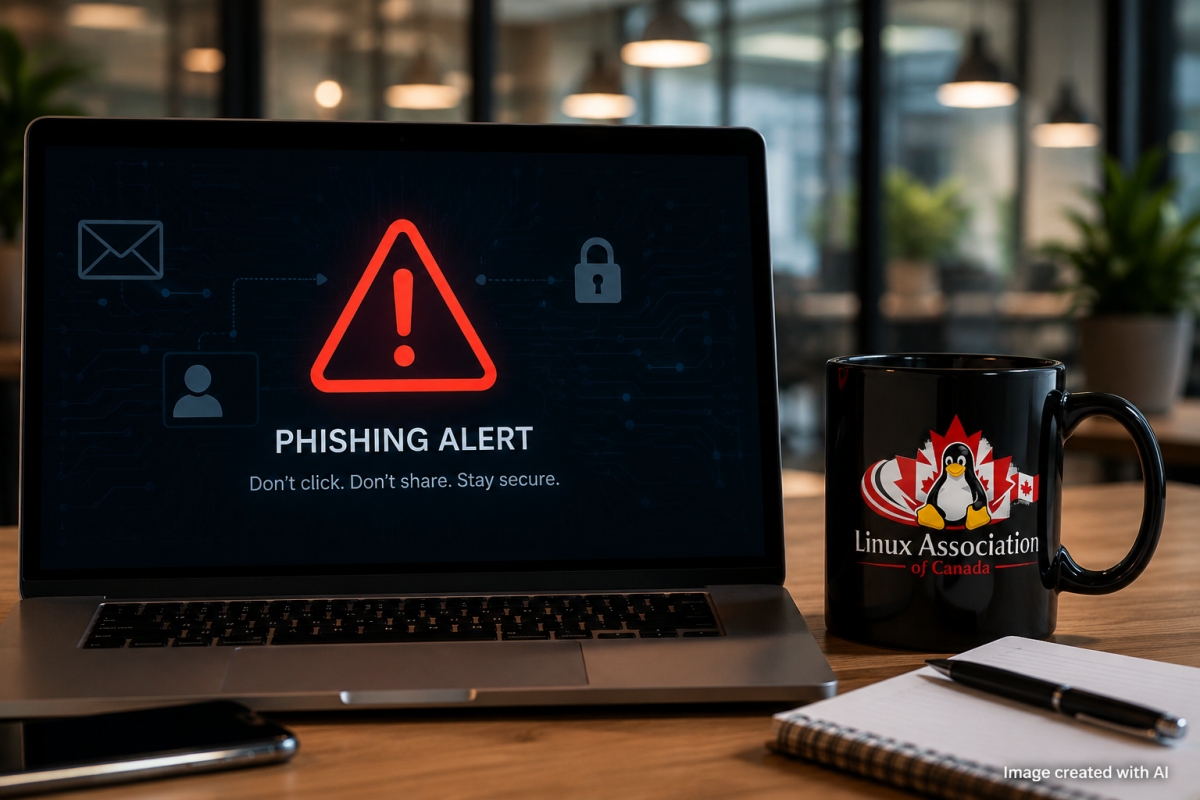
Cybersecurity has changed dramatically over the years. We have better operating systems, stronger encryption, improved browsers, multi-factor authentication, firewalls, spam filters, and increasingly sophisticated security tools.
Attackers have adapted as well.
Instead of trying to defeat all of those technical protections, sometimes it is much easier to attack the person sitting in front of the computer.
That is the basic idea behind social engineering.
Social engineering uses deception, manipulation, urgency, fear, curiosity, or trust to convince someone to do something that compromises security. Phishing is probably the best-known example, but phishing emails are only one part of a much larger problem.
Understanding how these attacks work is becoming an important part of digital literacy.
What Is Phishing?
Phishing is an attempt to trick someone into revealing information, opening a malicious file, visiting a fraudulent website, transferring money, or performing another action that benefits an attacker.
A phishing message might pretend to come from:
- your bank;
- your employer;
- a delivery company;
- a government agency;
- a streaming service;
- a friend or colleague;
- a cloud-storage provider; or
- a technology company whose services you use.
The message often creates a reason why you need to act immediately.
“Your account has been suspended.”
“Your package could not be delivered.”
“Your password expires today.”
“Unusual activity was detected.”
“Please review the attached invoice.”
That urgency is intentional.
The attacker wants you to react before you have time to think.
Social Engineering Goes Beyond Email
While email remains a common delivery method, social engineering can happen almost anywhere.
Attackers may use text messages, phone calls, social media, messaging platforms, fake websites, QR codes, or even face-to-face interactions.
A fraudulent text message is sometimes called smishing, while fraudulent phone calls are commonly described as vishing.
The technology changes, but the principle remains remarkably similar: convince the victim that the request is legitimate.
An attacker might impersonate a company's technical-support department and ask an employee to reset a password. Someone could pretend to be a manager requesting an urgent payment. A fake login page might closely resemble Microsoft, Google, a bank, or another familiar service.
The attack succeeds when familiarity and emotion replace verification.
Why Smart People Still Get Caught
It is important to understand that phishing is not simply a problem affecting people who “don't understand computers.”
Successful social engineering attacks are designed around normal human behaviour.
We trust familiar names. We respond to authority. We worry when we're told that an account has been compromised. We want to help colleagues. We become distracted when we are busy.
Attackers deliberately exploit those behaviours.
Consider receiving an email apparently from your manager at 4:45 Friday afternoon:
“I need this paid before accounting closes. I'm in a meeting and can't call. Please process it immediately.”
There are several psychological pressures packed into a very small message: authority, urgency, time pressure and an explanation for why normal verification cannot occur.
Recognizing those techniques is often more useful than trying to memorize what every phishing email looks like.
The Warning Signs
Phishing messages are becoming more convincing, so there is no single warning sign that identifies every attack.
However, several things should make you slow down.
Be cautious when a message unexpectedly asks you to enter a password, approve an authentication request, download a file, transfer money, provide personal information, scan a QR code, or change account details.
Also look carefully at the sender.
A display name can say almost anything. The actual email address matters much more.
For example, an email might display the name of a legitimate organization while originating from a completely unrelated domain.
Spelling mistakes and poor grammar can still indicate phishing, but they should no longer be treated as reliable indicators. Modern attackers have access to translation tools and generative artificial intelligence capable of producing polished and professional messages.
A perfectly written email can still be fraudulent.
Stop. Verify. Then Act.
One of the most effective cybersecurity habits is surprisingly simple:
Do not use the communication that created the concern to verify the concern.
If you receive a message supposedly from your bank saying your account has been compromised, don't automatically click the link in that message.
Open your bank's application yourself or manually navigate to the bank's known website.
If an email supposedly from a colleague requests an unusual payment or password reset, contact that person through a communication method you already know.
If someone calls claiming to be from technical support, verify their identity using your organization's established procedures.
This creates an independent verification channel.
A few additional seconds can prevent an expensive mistake.
Use Multi-Factor Authentication
Passwords remain important, but passwords alone should not protect important accounts.
Multi-factor authentication (MFA) adds another layer of protection by requiring something beyond the password.
Whenever possible, use stronger authentication methods such as authenticator applications, passkeys, or hardware security keys.
However, MFA does not make phishing impossible.
Attackers sometimes repeatedly send authentication requests hoping the victim eventually approves one simply to make the notifications stop. Other attacks attempt to steal authentication tokens or convince victims to enter temporary authentication codes.
If you receive an authentication request you did not initiate, do not approve it.
Treat it as a warning that someone may be attempting to access your account.
Use a Password Manager
Password managers can improve both convenience and security.
Instead of reusing passwords across multiple services, a password manager allows you to create long, unique passwords for each account.
There is another useful advantage.
A password manager associates credentials with specific websites. If you land on a convincing imitation of a legitimate login page, the password manager may not automatically recognize the fraudulent domain.
That should be another reason to stop and examine the website carefully.
Be Careful With QR Codes
QR codes deserve particular attention because they hide the destination from immediate view.
We now encounter QR codes in restaurants, parking facilities, advertisements, workplaces, events, emails and printed materials.
Attackers can replace legitimate QR codes with malicious ones or distribute QR codes that direct users to fraudulent login pages.
Before entering credentials after scanning a QR code, examine the destination carefully.
A QR code should never receive automatic trust simply because it appears on a professional-looking sign, document or email.
What If You Already Clicked?
Mistakes happen, and speed matters after discovering one.
If you entered a password into a suspicious website, change that password immediately using the legitimate service. If the same password was reused elsewhere, those accounts should also be changed.
Review active sessions and sign out unknown devices where the service provides that capability.
If financial information was involved, contact the appropriate financial institution through its official communication channels.
In a workplace, report the incident to the IT or security team immediately.
Do not hide the mistake because you are embarrassed.
Security teams can often limit the damage significantly when they know about an incident quickly.
Build a Verification Habit
The strongest defence against social engineering is not paranoia.
It is verification.
You do not need to distrust every email, phone call, QR code or website you encounter. Instead, develop a habit of slowing down whenever someone unexpectedly asks you to do something security-sensitive.
Ask yourself:
Was I expecting this?
Does the request make sense?
Is someone creating unnecessary urgency?
Am I being asked for information they should not need?
Can I verify this request independently?
Those questions take seconds.
They can make an enormous difference.
Cybersecurity Is a Shared Responsibility
We often think about cybersecurity in technical terms: operating systems, firewalls, encryption, antivirus software, patches and network security.
Those technologies are important.
But cybersecurity ultimately involves people as well.
The most secure Linux installation in the world cannot protect an account if its owner voluntarily gives an attacker the credentials.
That is why cybersecurity education should be part of broader digital literacy.
People should understand not only how to operate technology, but also how to recognize when technology is being used to manipulate them.
And as phishing attacks become more sophisticated, that knowledge will become increasingly important.
The next suspicious message you receive may look completely legitimate. It may use the correct logo. It may contain excellent grammar. It may know your name, your employer or even the names of people you work with.
The question should no longer be:
“Does this look real?”
A better question is:
“Can I independently verify that it is real?”
That small change in thinking is one of the most practical cybersecurity protections any of us can adopt.
Comments (0)