


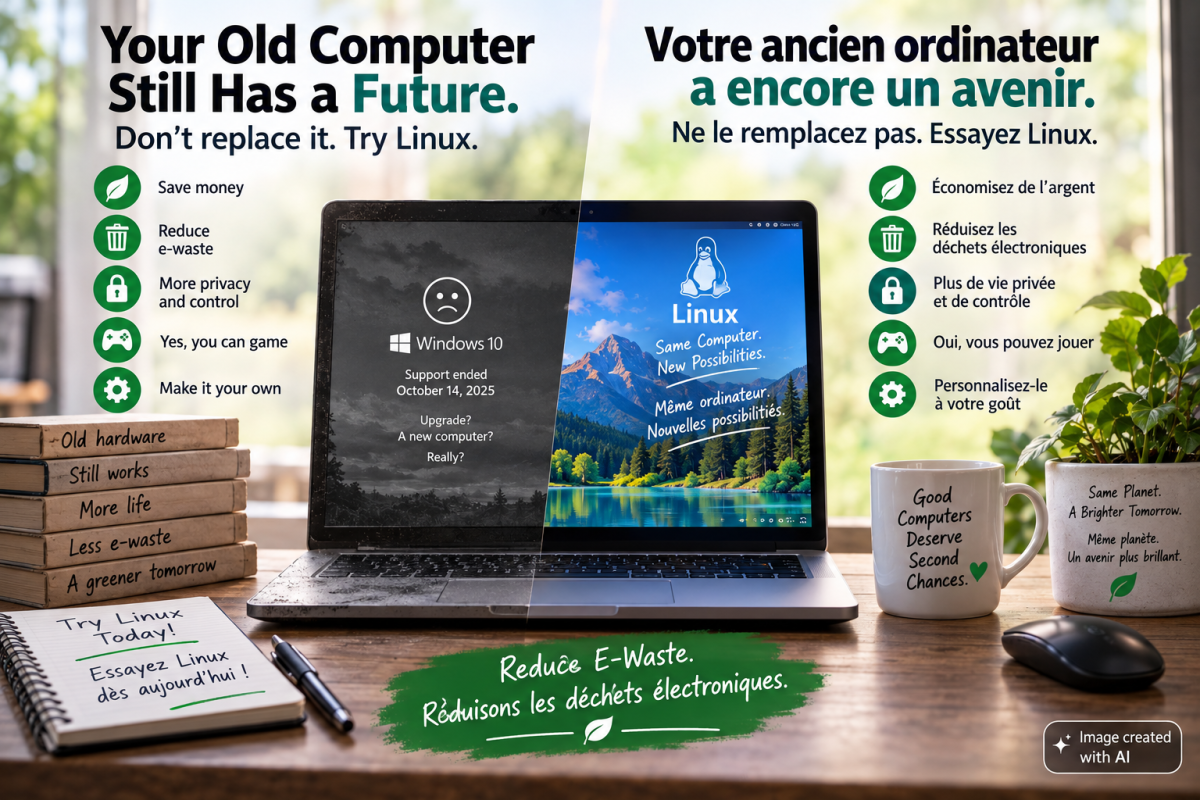
If you've been using a computer for more than a few years, you've probably felt it: Windows keeps changing in ways you didn't necessarily ask for.
Ads and recommendations appear in the Start menu. Microsoft increasingly promotes Copilot and other cloud-connected features. And there is now a much bigger issue for millions of computer users: support for Windows 10 ended on October 14, 2025.
For many people, the obvious answer would be to upgrade to Windows 11. But there is a problem.
Windows 11 requires hardware features including TPM 2.0, Secure Boot capability and a supported processor. As a result, a large number of otherwise perfectly functional computers cannot officially upgrade.
These computers aren't necessarily broken.
They're simply being told by their operating system that they're too old.
And that's one of the best reasons to take another look at Linux.
Your Computer May Not Be Obsolete
According to the U.S. Public Interest Research Group (PIRG), as many as 400 million PCs could be unable to upgrade to Windows 11.
PIRG estimates that replacing Windows 10 computers that cannot upgrade could eventually generate approximately 1.6 billion pounds of electronic waste.
Think about that for a moment.
Many of those computers still turn on. Their screens work. Their processors work. Their storage works. They connect to the Internet. They may be perfectly capable of handling everyday tasks such as browsing the web, writing documents, watching videos, communicating and learning.
The problem isn't necessarily the computer.
It's the software requirements.
Linux provides another option.
Linux Can Give Older Hardware a Second Life
Linux does not impose the same Windows 11 hardware requirements.
A computer that doesn't qualify for Windows 11 may still have years of useful life running Linux. Lightweight Linux distributions can perform particularly well on older hardware, sometimes making a computer feel considerably more responsive than it did with its previous operating system.
That matters for two reasons.
First, it can save money. You shouldn't necessarily have to replace a working computer simply because it cannot run the newest version of an operating system.
Second, keeping functional hardware in service longer reduces electronic waste.
Before recycling or replacing an older PC because it failed the Windows 11 compatibility check, it may be worth seeing what Linux can do with it.
Linux Is Free — And So Is a Lot of Its Software
Most major Linux distributions cost nothing to download, install or use.
There is no operating-system licence key to purchase and no requirement to choose between consumer editions simply to unlock basic operating-system capabilities.
Linux also provides access to an enormous ecosystem of free and open-source software.
Office suites, web browsers, photo editors, media players, development environments, communications applications and thousands of other programs are available without purchasing additional licences.
For an individual, that can save money.
For schools, nonprofits, community organizations and small businesses managing dozens or hundreds of computers, those savings can become significant.
You Have More Control Over Your Privacy
Modern operating systems increasingly depend on online accounts, cloud services, telemetry and integrated online features.
Linux generally takes a different approach.
Many Linux distributions collect little or no telemetry by default. A cloud account usually isn't required simply to use your computer, and advertising is generally absent from the operating-system experience.
More importantly, Linux gives users considerably more control over what their computers are doing.
That doesn't mean installing Linux automatically makes someone anonymous or completely private. Your browser, applications and online services still matter.
But the underlying philosophy is different:
Your computer should work for you.
You should be able to decide which services you use, which information you share and which software runs on your machine.
Updates Happen on Your Terms
Operating-system updates are essential for security, regardless of which operating system you use.
Linux doesn't eliminate updates. In fact, keeping a Linux system updated is an important part of keeping it secure.
The difference is usually how those updates are handled.
On most Linux distributions, you decide when updates are installed. Many updates can be applied without restarting the computer, although some important system updates — particularly kernel updates — may require a reboot.
The result is generally a less intrusive update experience and more control over when changes happen to your computer.
Linux Has Strong Security Foundations
Linux isn't magically immune to malware.
No operating system is.
But Linux has several characteristics that contribute to a strong security model.
Software is commonly installed through trusted distribution repositories rather than downloaded from arbitrary websites. User and administrator privileges are separated, applications normally operate with limited permissions, and security vulnerabilities can often be patched rapidly through centralized package-management systems.
Linux's open-source development model also means its code can be inspected by developers, researchers and security professionals around the world.
None of this means a Linux user can ignore basic cybersecurity. Phishing, weak passwords, malicious browser extensions and unsafe behaviour can compromise any computer.
Linux provides a strong foundation.
The user still matters.
Yes, You Can Game on Linux
For years, gaming was one of the strongest arguments against switching to Linux.
That has changed dramatically.
Valve's Proton compatibility technology, integrated into Steam, allows a large number of Windows games to run on Linux with little or no additional configuration.
Valve's Steam Deck is perhaps the most visible demonstration of how far Linux gaming has come: the device runs SteamOS, a Linux-based operating system.
But there is an important caveat.
Not every Windows game works on Linux.
Games using certain anti-cheat technologies can still be problematic, and compatibility varies between titles.
Before switching a gaming computer completely to Linux, check the games you actually play. Community resources such as ProtonDB can provide useful compatibility reports from other Linux users.
Linux gaming has become remarkably good.
It isn't perfect yet.
Make Your Computer Yours Again
One of Linux's greatest strengths is choice.
Windows and macOS largely determine how your desktop should look and behave. Linux lets you choose.
Desktop environments such as KDE Plasma, GNOME, XFCE and others can provide dramatically different experiences.
You can choose something familiar to a Windows user, something resembling other desktop environments, something designed for older hardware, or something completely different.
You can change almost everything — or change almost nothing.
That's the point.
The choice belongs to you.
Linux Isn't Perfect
Linux advocates sometimes make switching sound effortless.
For many people, it is.
For others, it isn't.
Some specialized professional applications remain available only for Windows or macOS. Certain accounting, engineering, design and industry-specific programs may not have native Linux versions.
Some hardware — particularly very new or unusual peripherals — may have limited Linux driver support.
And there is a learning curve.
If you've used Windows for twenty years, some of the difficulty isn't necessarily that Linux is harder. It's that you've spent twenty years learning how Windows works.
Linux works differently.
Before replacing the operating system on your primary computer, check the software and hardware you depend on.
That's especially important if your livelihood depends on one particular Windows-only application.
You Don't Have to Switch Today
Trying Linux doesn't require wiping your computer.
Many Linux distributions can run directly from a USB drive in what's commonly called a live environment.
That means you can boot Linux, explore the desktop, connect to Wi-Fi, open a browser and test much of your hardware without changing the operating system already installed on the computer.
A sensible migration looks something like this:
- Back up your important files.
- Identify the applications you depend on.
- Check whether those applications run on Linux or have suitable alternatives.
- Create a Linux live USB.
- Boot from it and test your Wi-Fi, sound, display, printer and other important hardware.
- Spend some time exploring Linux before deciding whether to install it.
There is no reason to rush.
The objective isn't to replace Windows simply for the sake of replacing Windows.
It's to determine whether Linux works for you.
Before You Replace Your PC, Try Linux
Windows 10 reaching the end of support has forced millions of people to make a decision.
Microsoft's preferred paths include moving to Windows 11, using its Extended Security Updates program where eligible, or eventually replacing hardware that cannot run Windows 11.
But there is another option.
If your computer still works but doesn't meet Windows 11's requirements, don't assume it belongs in the recycling bin.
Try Linux first.
You might discover that the computer you thought was obsolete still has years of useful life left.
And along the way, you may discover something else:
Your computer can belong to you again.
Sources
Microsoft — Windows 10 End of Support
Microsoft confirms that Windows 10 reached the end of support on October 14, 2025. Microsoft also provides information about its Extended Security Updates program for users requiring additional transition time.
Microsoft — Windows 11 System Requirements
Microsoft's published requirements include TPM 2.0, UEFI Secure Boot capability, at least 4 GB of RAM, 64 GB of storage and a processor appearing on Microsoft's supported CPU list.
U.S. PIRG Education Fund — Electronic Waste Graveyard
PIRG estimates that up to 400 million PCs may be unable to upgrade to Windows 11 and estimates approximately 1.6 billion pounds of potential electronic waste associated with PCs unable to make the transition.
Valve — Steam / Proton
Valve's Proton compatibility technology enables many Windows games to run on Linux through Steam.
ProtonDB
Community-maintained compatibility reports for Windows games running on Linux through Proton.
Comments (0)