


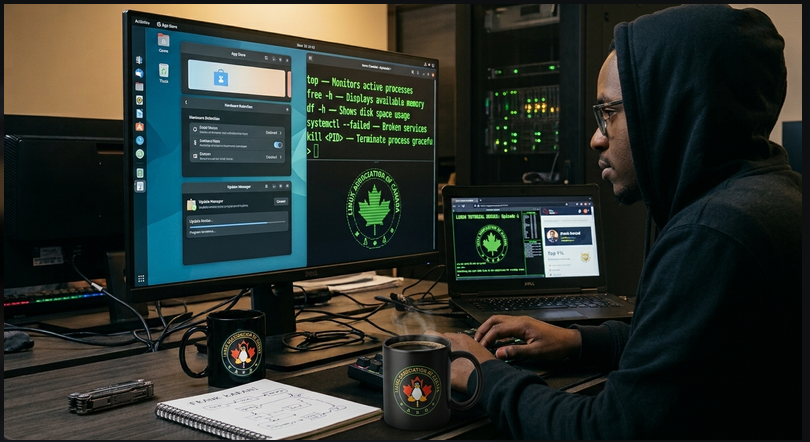
For decades, computer users have been led to believe that simplicity requires hiding technical details behind a graphical interface. This has created a persistent myth: that Linux is a complex operating system built exclusively for command-line enthusiasts, system administrators, and kernel developers.
But modern Linux tells a different story.
As a cybersecurity student, I have come to appreciate Linux’s greatest strength: it gives users total control without requiring deep technical knowledge from day one.
Modern Linux distributions offer intuitive graphical desktops, app stores, automatic hardware detection, and seamless updates. They perfectly bridge the gap between user-friendly desktop environments and the transparent flexibility required in enterprise infrastructure and cybersecurity.
Here are three reasons why modern Linux is much easier to manage than people expect.
1. Seamless Hardware Support
Dealing with hardware compatibility and hunting for drivers can be frustrating on traditional operating systems. Linux simplifies this through the kernel.
- Built-in Drivers: Most drivers are built directly into the Linux kernel, supporting a massive range of devices right out of the box.
- Automatic Detection: The system automatically detects and configures new hardware at startup or when connected.
- Minimal Manual Setup: On modern distributions, network adapters, USB devices, audio, and graphics usually work instantly without separate installers.
2. Centralized Package Management
On Linux, package managers like apt, dnf, and pacman provide a secure, centralized way to install, update, and remove software, eliminating the need to hunt for installers across unsafe websites.
For example, updating your system is as simple as running:
Debian/Ubuntu:
sudo apt update && sudo apt upgrade
Fedora:
sudo dnf upgrade
Why this matters:
- One-Stop Management: Applications are installed and updated from a single repository system.
- Automatic Dependencies: The package manager handles all background software dependencies for you.
- Verified Integrity: Systems automatically check digital signatures to verify that software has not been tampered with.
3. Transparent Process and System Management
When an application slows down or becomes unresponsive, Linux gives you direct, transparent tools to find and fix the issue instead of leaving you guessing.
You can instantly check system health with these quick commands:
top– Monitors active processes and resource consumption.free -h– Displays available memory in a readable format.df -h– Shows disk space usage.systemctl --failed– Identifies broken system services.
If a process freezes, you can gracefully terminate it using its process ID (PID):
kill <PID>
Note: A normal termination signal is always preferred before resorting to a forceful shutdown like kill -9.
Furthermore, Linux offers incredible maintenance flexibility. Services can be restarted individually, and most software updates do not force a full system reboot.
The Bottom Line: Linux Makes Control Accessible
The idea that Linux is inherently too difficult for ordinary users is outdated.
Modern distributions offer the perfect learning curve. Beginners can start with everyday tasks like web browsing and file management via the GUI, then naturally transition to scripting, networking, and system administration.
For cybersecurity learners, it provides the ultimate hands-on environment to understand how operating systems, permissions, and networks work beneath the surface.
Linux doesn't eliminate system complexity—it makes it accessible, transparent, and easy to explore. You don't need to be a kernel developer to start; you just need the curiosity to learn.
Prepared by:
Frank Karani
Cybersecurity Student 🇹🇿
Community Data Coordinator (Linux Association of Canada)
TryHackMe Profile: https://tryhackme.com/p/4PP3X
Global Ranking: Top 1% on TryHackMe
Focused on cybersecurity education, Linux, digital security, and documenting practical learning experiences.
Technical note: Commands and examples in this article may behave differently across Linux distributions. Always review commands before running them, especially those requiring administrative privileges
Comments (0)